

Table of Contents
- What You'll Need Before You Start
- Digital Art Printing Resolution Guide
- Preparing Your File for Print
- Best Paper for Digital Art Prints
- Step-by-Step Printing Process
- Are Digital Art Files Permanent?
- Common Mistakes to Avoid
- Post-Print Finishing and Display
Last Updated: August 26, 2026
What You'll Need Before You Start
Printing digital art at home requires the right equipment. A decent inkjet printer is essential, inkjet models produce a wider colour gamut and handle textured papers better than laser printers. Look for at least A4 support, though A3 capability offers more flexibility. You'll also need high-quality paper stock, as matte, glossy, and textured finishes produce different visual results.
Colour calibration tools matter significantly. Your monitor displays colours in RGB, but your printer outputs in CMYK. Without proper calibration, screen colours won't match printed results. A basic colour calibration device costs £100-300 and is essential for serious print quality. Finally, invest in archival-quality, pigment-based ink cartridges, they last significantly longer than dye-based alternatives.
Digital Art Printing Resolution Guide
Print-ready files require a minimum of 300 DPI (dots per inch) (iso.org). This industry standard ensures dots are small enough that the human eye perceives continuous colour rather than individual pixels.
Here's the practical calculation: a 3000-pixel-wide file at 300 DPI prints at approximately 25 cm wide (3000 ÷ 300 DPI = 10 inches; 10 inches * 2.54 cm/inch = 25.4 cm). If you try to print that same file at 25 cm but only have 1500 pixels, you're printing at 150 DPI, resulting in soft, pixelated output.
Check your file's pixel dimensions before printing. If the result is smaller than your intended print size, either print smaller or source a higher-resolution file. Thistle and Ink Art provides all digital downloads at 300 DPI, so files are print-ready at their native dimensions.

Screen resolution (typically 72 PPI) differs completely from print resolution. A file that looks sharp on your monitor will look terrible printed at that resolution.
Preparing Your File for Print
Understanding colour profiles and export settings
Colour profiles bridge your monitor and printer. Your screen displays RGB (red, green, blue light), while your printer outputs CMYK (cyan, magenta, yellow, black ink). These colour spaces don't map perfectly, which is why prints often look different from screens.
An ICC profile tells your printer how to translate colours in your digital file into specific inks and papers. Before exporting, embed the correct ICC profile. If using Adobe RGB or sRGB, convert to a CMYK profile matching your paper type. Most printer manufacturers provide free ICC profiles on their websites.
When exporting, choose TIFF or high-quality JPEG format. TIFF preserves all colour information without compression. Use soft proofing as your final check, view your file with the printer's colour profile applied to see approximately what will print.
Checking file dimensions and aspect ratio
Aspect ratio is the relationship between width and height. Standard A4 paper is roughly 2:3 (portrait) or 3:2 (landscape). If your file has a different aspect ratio, crop it or add margins.
Bleed is extra space beyond your intended print area that gets cut away. If you want art extending to the paper edge with no white border, add at least 3mm of extra content on all sides.
Measure your frame or display space before finalising dimensions. If printing for a specific frame, match the aspect ratio exactly. Thistle and Ink Art's digital downloads come in standard sizes with clear dimension information.

Best Paper for Digital Art Prints
Matte vs glossy finishes
Matte paper has no shine, absorbs ink evenly, and produces rich, deep colours with minimal glare. It's ideal for fine art and portraits. Glossy paper has a shiny finish that reflects light, making colours appear more saturated and vivid. Semi-gloss (satin) splits the difference with a slight sheen that enhances colour without harsh reflections.
For Thistle and Ink Art's colourful designs, matte or semi-gloss finishes typically work best. Bold, abstract pieces often benefit from glossy finishes, while detailed portraits look stunning on matte paper.
Paper weight and gsm considerations
Paper weight in the UK is measured in gsm (grams per square metre). Standard printer paper is 80 gsm; fine art papers typically range from 200-300 gsm. Heavier paper feels more substantial and resists curling and warping. For home printing, aim for at least 200 gsm; 250-300 gsm is ideal for fine art prints.
Archival quality resists yellowing and fading over decades. If displaying artwork long-term, invest in archival paper. Standard office paper yellows within a few years, especially in sunlight (loc.gov).
Step-by-Step Printing Process
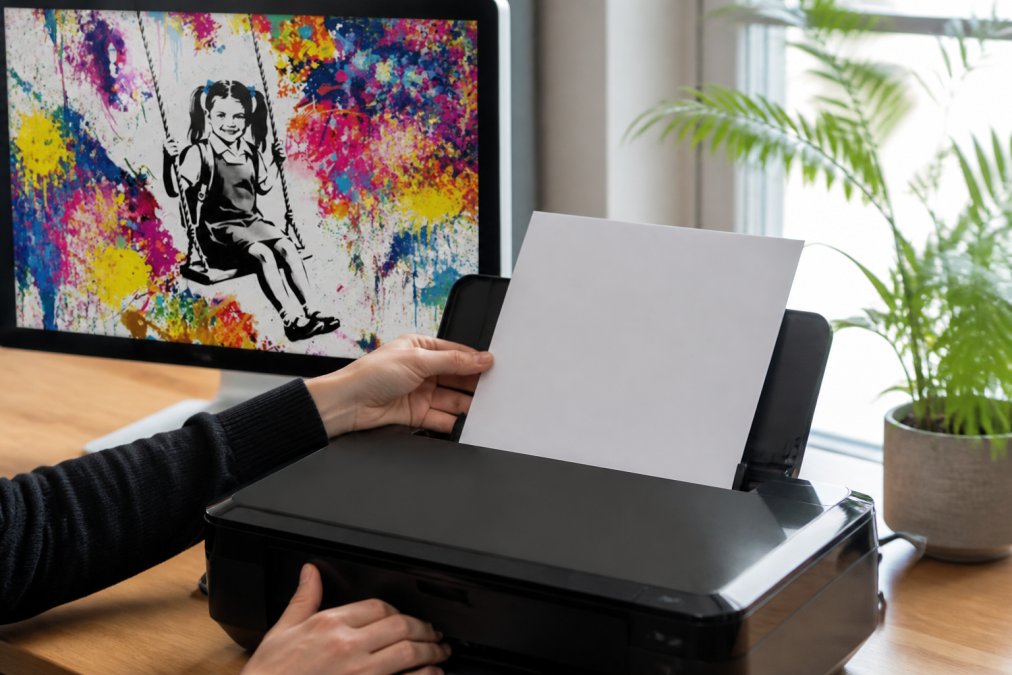
Load your paper into the printer correctly, checking your manual for proper orientation. Most printers have different trays for standard and specialty stock. Use the specialty paper tray for fine art paper.
Open your print dialogue and select your printer and correct paper size. In advanced settings, specify your paper type (matte, glossy, or semi-gloss), this tells the printer how much ink to apply. Select "Best" or "High Quality" print quality; never use "Draft" mode for fine art.
Printer calibration for accurate colours
Before printing your final version, print a test on standard paper. Examine it in natural daylight and compare colours to your calibrated monitor. If colours look significantly different, your ICC profile may be incorrect or your printer needs calibration.
Printer calibration involves printing a colour test pattern and measuring it with a colour calibration device. This creates a custom ICC profile for your specific printer and paper combination. If you lack a calibration device, use your printer manufacturer's software for basic colour correction.
Adjusting print settings in your software
In your image editor, set colour management to "Printer Manages Colours" or "Use Printer Profile." This lets the printer handle colour conversion rather than the software. If selecting "Let Printer Manage Colours," disable colour correction in your printer driver to avoid double-processing.
Print size should match your file's intended dimensions exactly. Review the print preview one final time before printing to ensure correct positioning and size.
Are Digital Art Files Permanent?
Digital files themselves don't degrade, but access permanence depends on storage location. Cloud services can disappear or change terms. The safest approach is downloading files and storing them locally on your computer and an external hard drive.
Thistle and Ink Art provides digital downloads as permanent files. Once purchased and downloaded, the file is yours to keep. Store it safely, and you'll have it forever.
Printed artwork has different permanence. Archival-quality paper with pigment-based inks lasts 50-100+ years without significant fading (peer-reviewed research). Standard paper and dye-based inks fade within 5-10 years in normal display conditions.
Common Mistakes to Avoid
The biggest mistake is printing without checking resolution. Always check pixel dimensions and calculate maximum print size before printing.
Using the wrong colour space is another common error. Export in CMYK, not RGB, before printing. RGB files can look oversaturated or muddy when printed.
Skipping printer calibration leads to colour disappointment. Print a test on standard paper and compare it to your screen in natural light. Not using the correct paper type setting in your printer driver causes under-inked or over-inked results. Always match your paper type setting to the actual paper you've loaded.
Printing on low-quality paper undermines everything else. Premium settings and careful colour management can't overcome poor paper.
Post-Print Finishing and Display
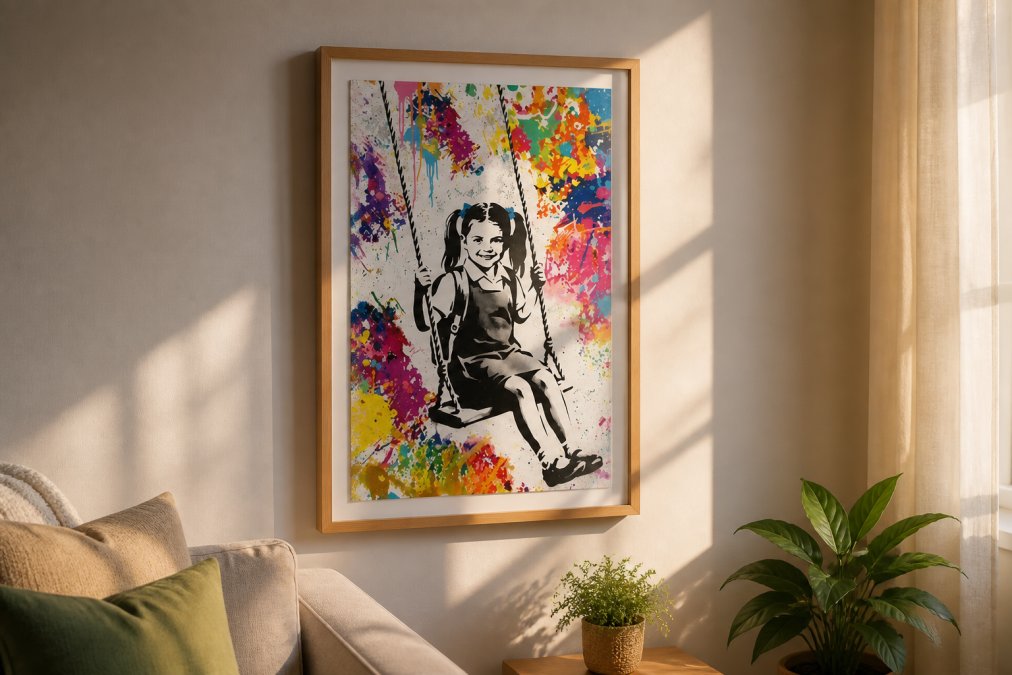
Let your print dry for at least 30 minutes before touching it. Wet ink smudges easily, and damp paper is fragile. Place it on a clean, flat surface away from direct sunlight.
Framing protects your print and enhances presentation. UV-protective glass filters harmful light that causes fading. Matting adds visual interest and protects edges by preventing the print from touching glass, which can cause moisture damage.
Avoid direct sunlight when hanging, as it causes fading over time. Indirect natural light or gentle artificial lighting shows your print best. Hang at eye level, roughly 150-160cm from the floor to the frame's centre.
Printing digital art at home gives you control over quality and timing unavailable from commercial services. The investment in proper equipment and understanding the technical side pays dividends in print quality and longevity. Thistle and Ink Art's digital downloads are designed to print beautifully at home when you follow these guidelines. Start with a test print, learn from it, and refine your process. Your second print will be noticeably better than your first, and by your fifth, you'll be producing gallery-quality results. Get started with Thistle and Ink Art's affordable digital downloads and transform your home walls with art that's personal, permanent, and entirely yours.
Frequently Asked Questions
What resolution should my digital art file be for printing?
For high-quality home prints, aim for 300 DPI (dots per inch) at your intended print size. A file that is 3000 x 4000 pixels at 300 DPI will print at approximately 25 x 33 cm with sharp, professional results. Lower resolutions like 72 DPI (typical for screen display) will appear pixelated when printed. Check your file's pixel dimensions and DPI before sending it to print to avoid disappointment.
Are digital art files permanent when printed at home?
Digital art files themselves are permanent if stored properly on external drives or cloud storage with backups. However, printed output longevity depends on paper quality and ink type. Archival-quality paper with pigment-based inks can last 100+ years without fading. Standard inkjet prints on regular paper may fade within 5-10 years if exposed to direct sunlight. Choose acid-free, museum-grade paper and store prints away from moisture and UV light for maximum permanence.
What is the best paper for digital art prints?
Fine art paper or premium photo paper delivers the best results for digital art at home. Look for 200+ gsm weight paper with a matte or semi-gloss finish depending on your artwork style. Matte finishes suit abstract and modern designs, while glossy finishes enhance vibrant colours and detail. Acid-free, archival-quality paper ensures your prints won't yellow over time. Test a small sample print first to see how colours render on your chosen paper before printing larger pieces.
Do I need a professional printer to print digital art at home?
No. A quality home inkjet printer is sufficient for excellent results. Look for a printer that supports borderless printing and uses individual ink cartridges (not combined colour cartridges) for better colour accuracy. Laser printers work too but are better suited to text and graphics than photographic art. The key is using the right paper, correct print settings, and ensuring your file meets 300 DPI resolution requirements. Many home printers can produce gallery-quality prints when set up properly.
This article was written using GrandRanker